Tests Ordered
This page displays any Tests that have been created outside of a Laboratory referral, such as through external sources or through a clinical referral. Any rows highlight red are not linked to a laboratory referral, and any green rows are linked to a laboratory referral.
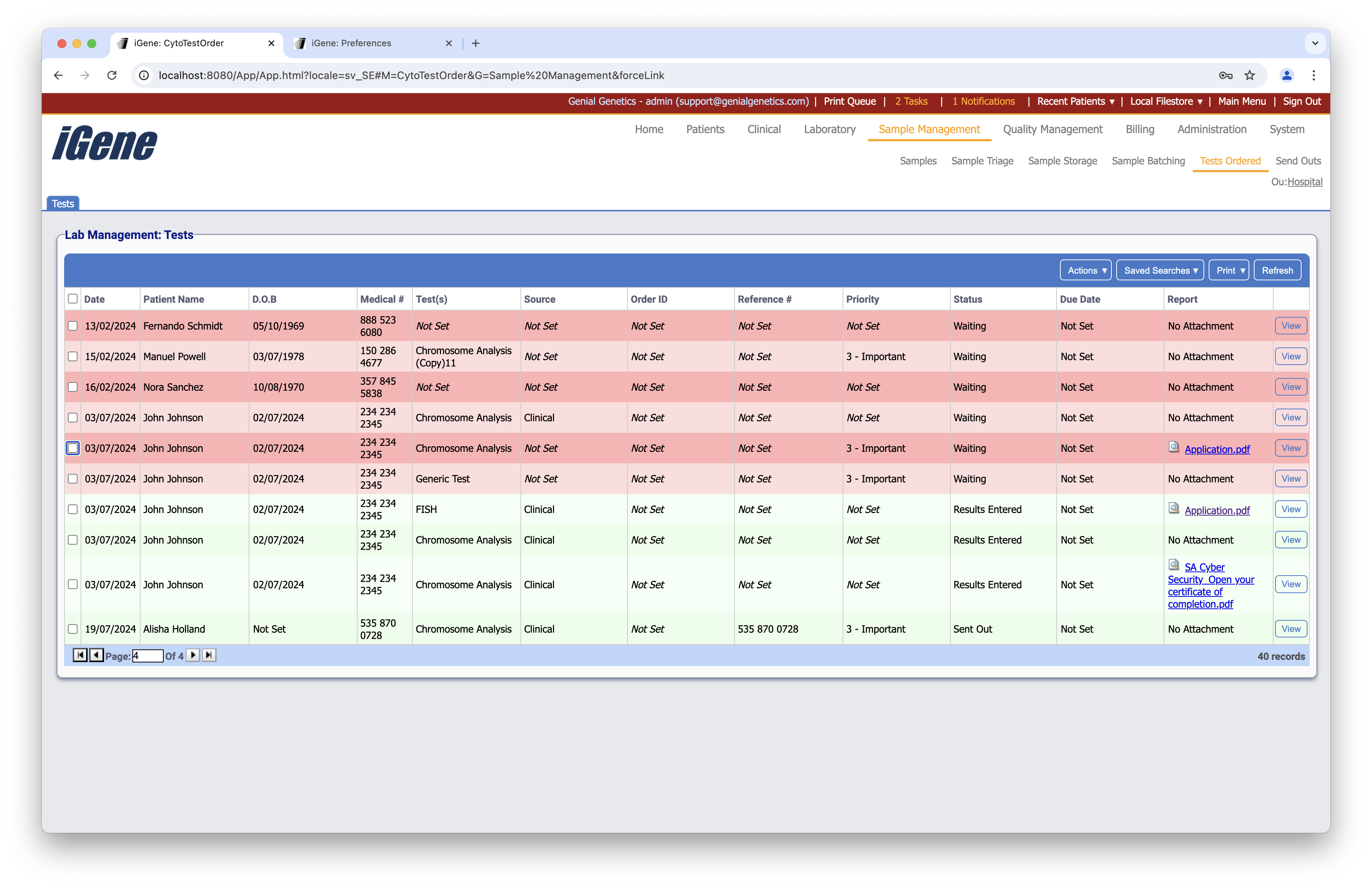
Table Columns
- Date - The date that the test order was created.
- Patient Name - The name of the patient to who the referral is attached.
- D.O.B - The date of birth of the patient.
- Medical # - The pedigree number for the patient.
- Family #s - A list of all associated pedigree numbers.
- Tests - The list of tests for the sample tube.
- Sample # - The unique sample number (this can be configured in the Nomenclature preference).
- Priority - The level of priority assigned to the sample.
- Referral Reasons - If this has been set, then the reasons for the referral will be shown here.
- Batch ID - The ID of the batch that the sample belongs to. If the sample has not been assigned a batch, then this will simply display “*Not Set”.
Additional Actions
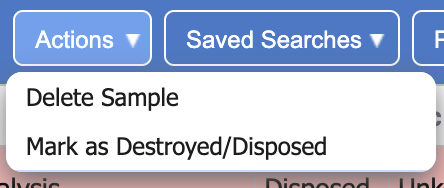
- New Storage Container - Similar to clicking the plus button, this will open a popup to create a new container.
- Remove Storage Container(s) - Similar to clicking the minus button, if the selected containers are empty then they will be deleted. If they are not empty then an error will display. This tells the user which locations are not empyty so it can be rectified before deleting the container.