Samples
This page of iGene shows a link to all samples currently stored within the system. Similarly to other pages, there is a colour-coded system based on the level of priority attached to each sample.
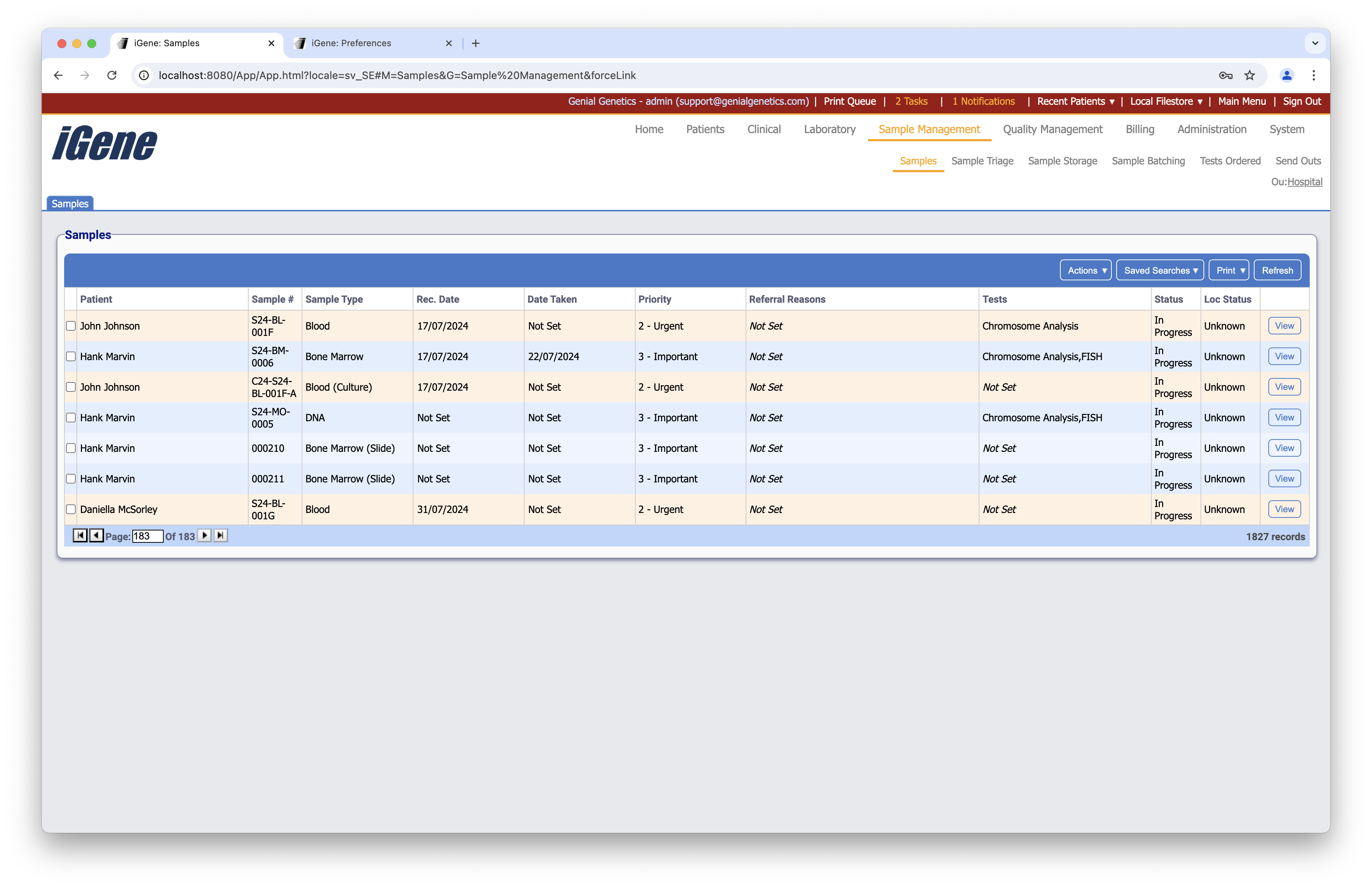
Table Columns
- Patient - The name of the patient to who the referral is attached.
- Sample Number - The unique sample number (this can be configured in the Nomenclature preference).
- Sample Type - The type of the sample.
- Rec. Date - The date that the sample was received.
- Date Taken - The date that the sample was taken.
- Priority - The level of priority assigned to the sample.
- Referral Reasons - If this has been set, then the reasons for the referral will be shown here.
- Tests - The list of tests for the sample tube.
- Status - The current status of the sample.
- Loc Status - If a location has been set for the sample, it will be displayed here.
- View - Opens the sample page for the clicked sample.
Additional Actions
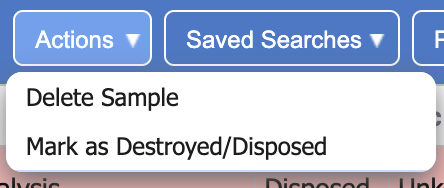
- New Storage Container - Similar to clicking the plus button, this will open a popup to create a new container.
- Remove Storage Container(s) - Similar to clicking the minus button, if the selected containers are empty then they will be deleted. If they are not empty then an error will display. This tells the user which locations are not empyty so it can be rectified before deleting the container.