Equipment
This page of iGene shows all equipment that has been stored within the system.
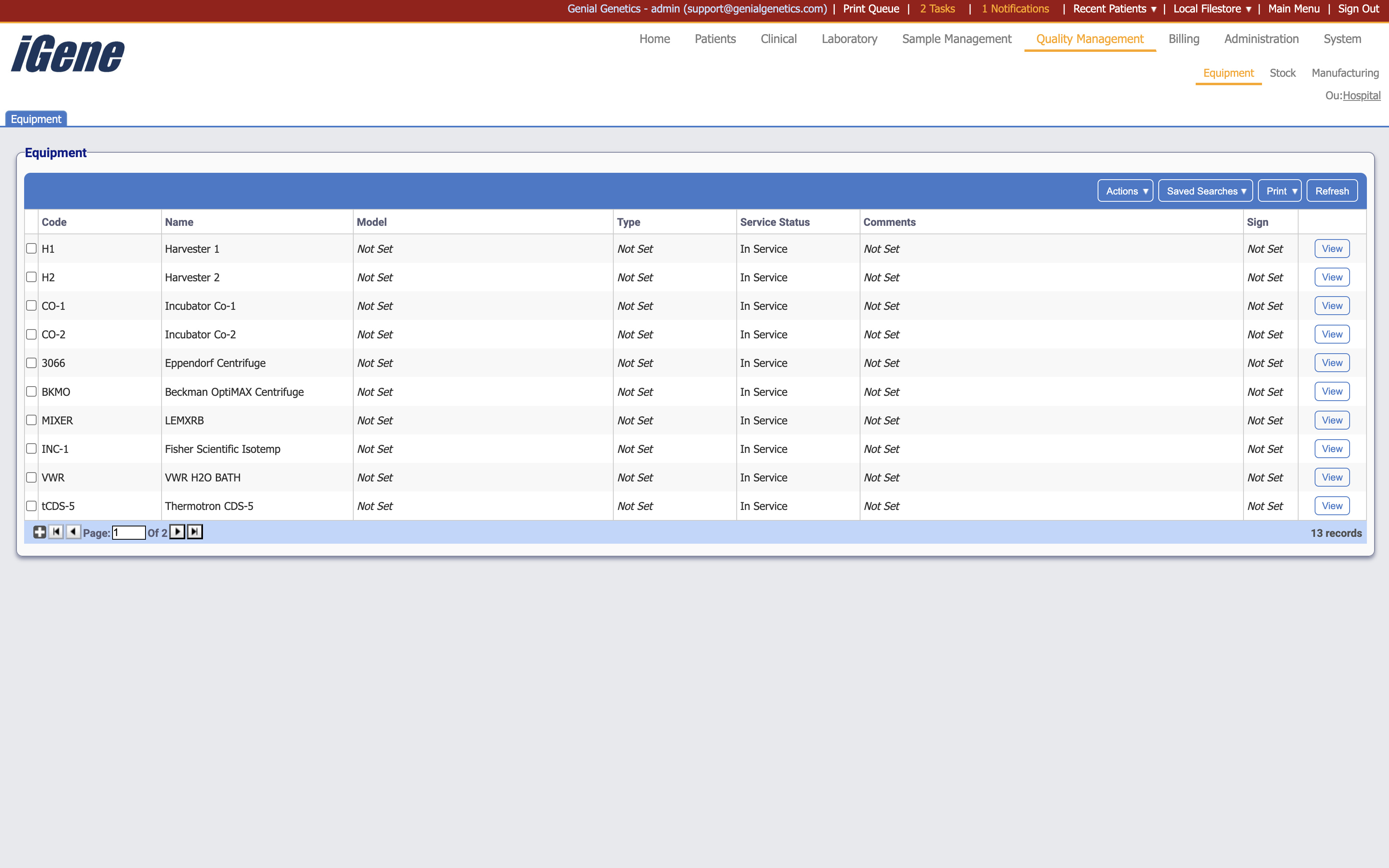
Table Columns
- Code - The unique code assigned to the piece of equiment.
- Name - The name of the equipment.
- Model - If a model of the equipment has been set, it will be displayed here.
- Type - If a type for the equipment has been set, it will be displayed here.
- Service Status - The current status of the equipment.
- Comments - If any comments have been left on the equipment, it will be displayed here.
- Sign - If a hazard has been added, the sign for this (such as hot, toxic, etc.) will be displayed here.
Additional actions
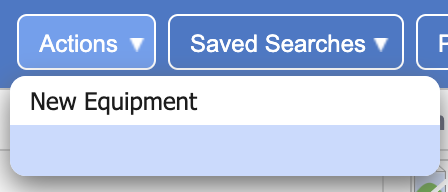
- New Equipment - Similar to clicking the plus button, this allows for adding a new piece of equipment.