Worksheets
This page displays a list of all protocols and worksheets currently stored in iGene.
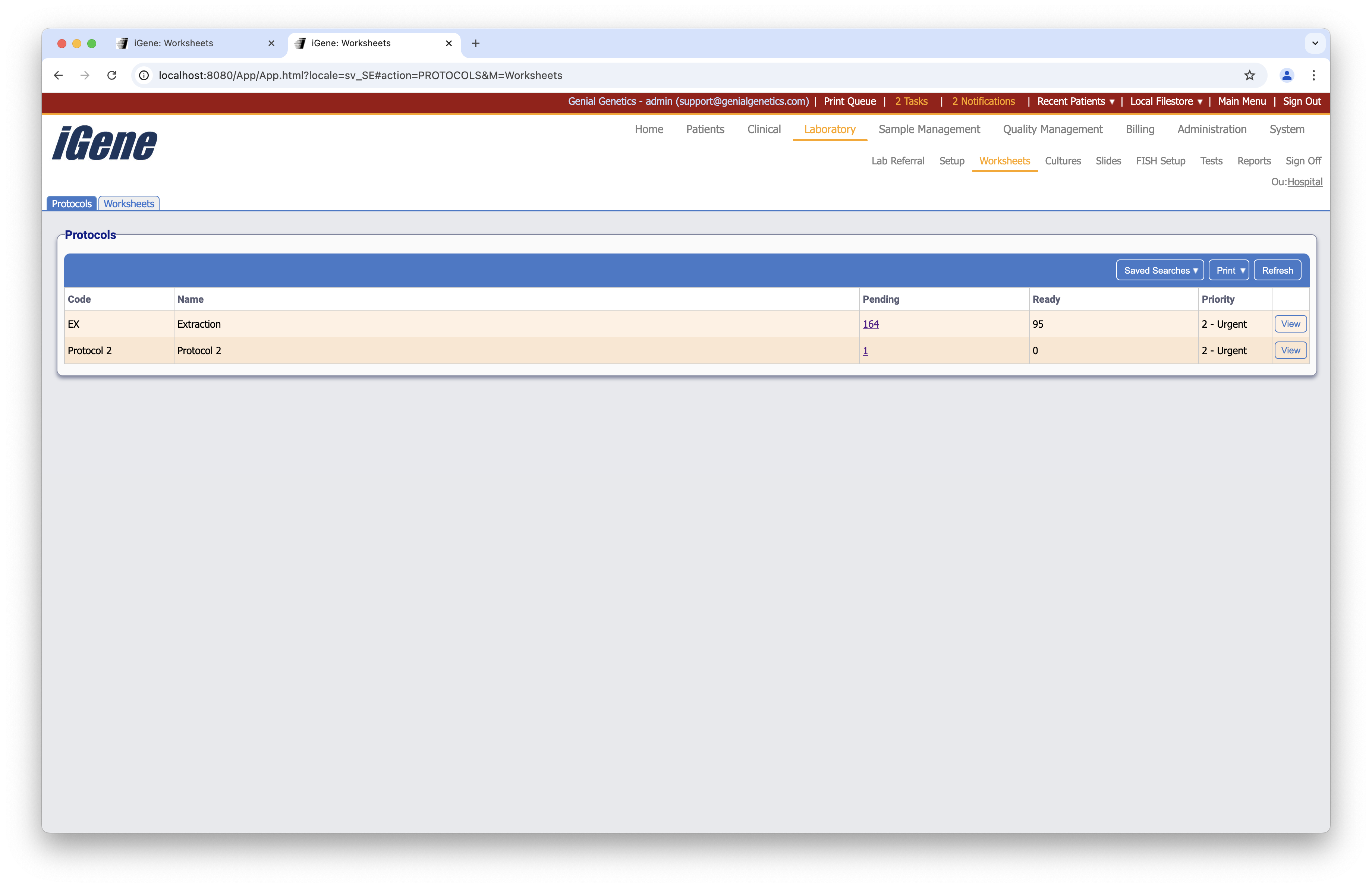
Table Columns
- Code - The unique code assigned to the protocol.
- Name - The name of the protocol.
- Pending - The number of pending worksheets for the protocol.
- Ready - The number of ready worksheets for the protocol.
- Priotity - The priority level of the protocol.
- View - Opens the worksheet page.
There is also an additional tab at the top of the page that allows the user to view all worksheets that are currently in progress.
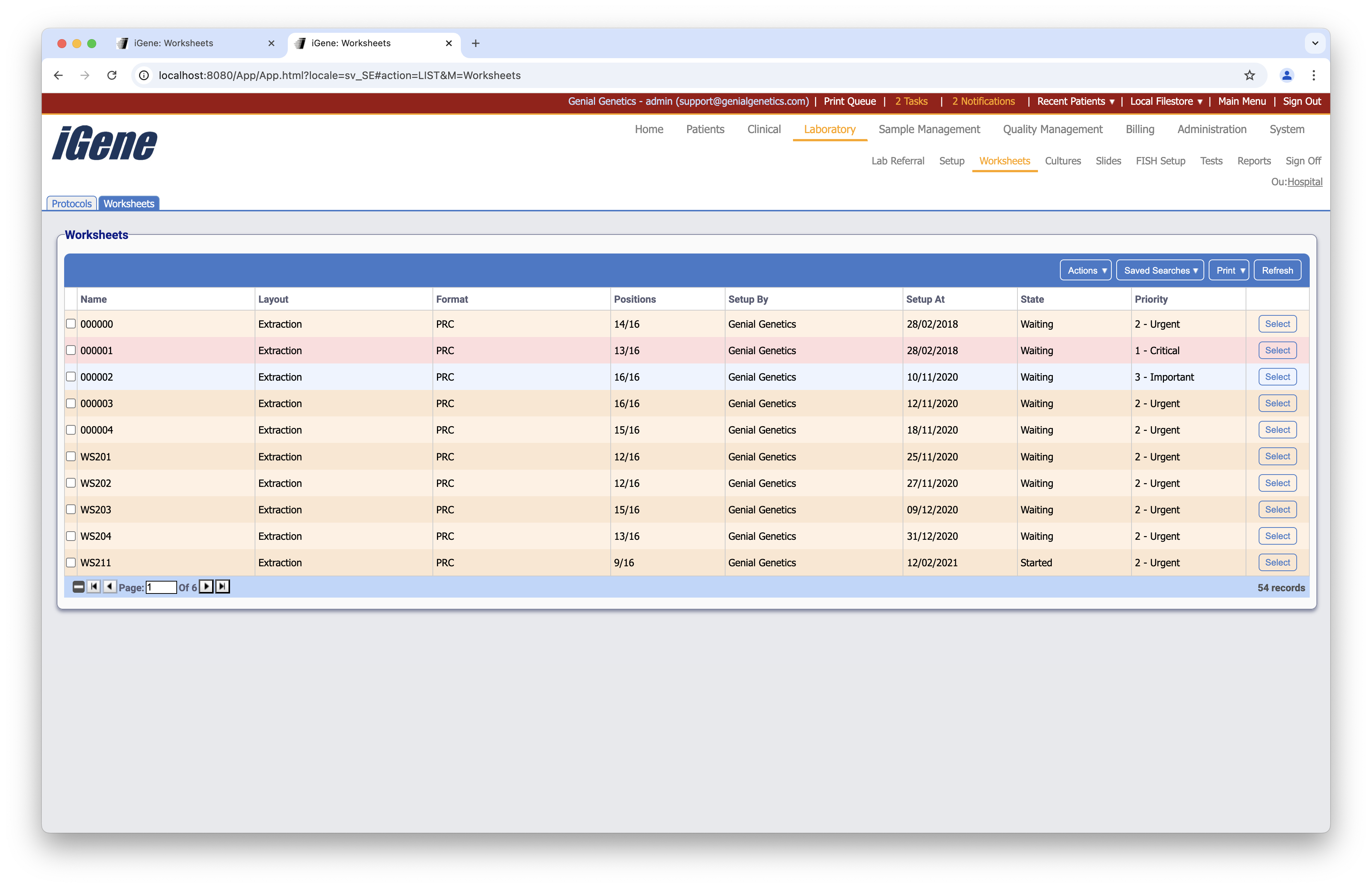
Table Columns
- Name - The name of the worksheet.
- Layout - The layout of the worksheet.
- Format - The format of the worksheet.
- Position - The position of the worksheet.
- Setup By - The user who set up the worksheet.
- Steup At - The date that the worksheet was set up.
- State - The current state of the worksheet.
- Priority - The priority level of the worksheet.
- View - Opens the worksheet page.
Additional Actions
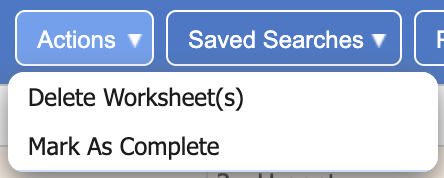
- Delete Worksheet(s) - Deletes the selected worksheets.
- Mark As Complete - Marks the selected worksheets as complete.