Overview
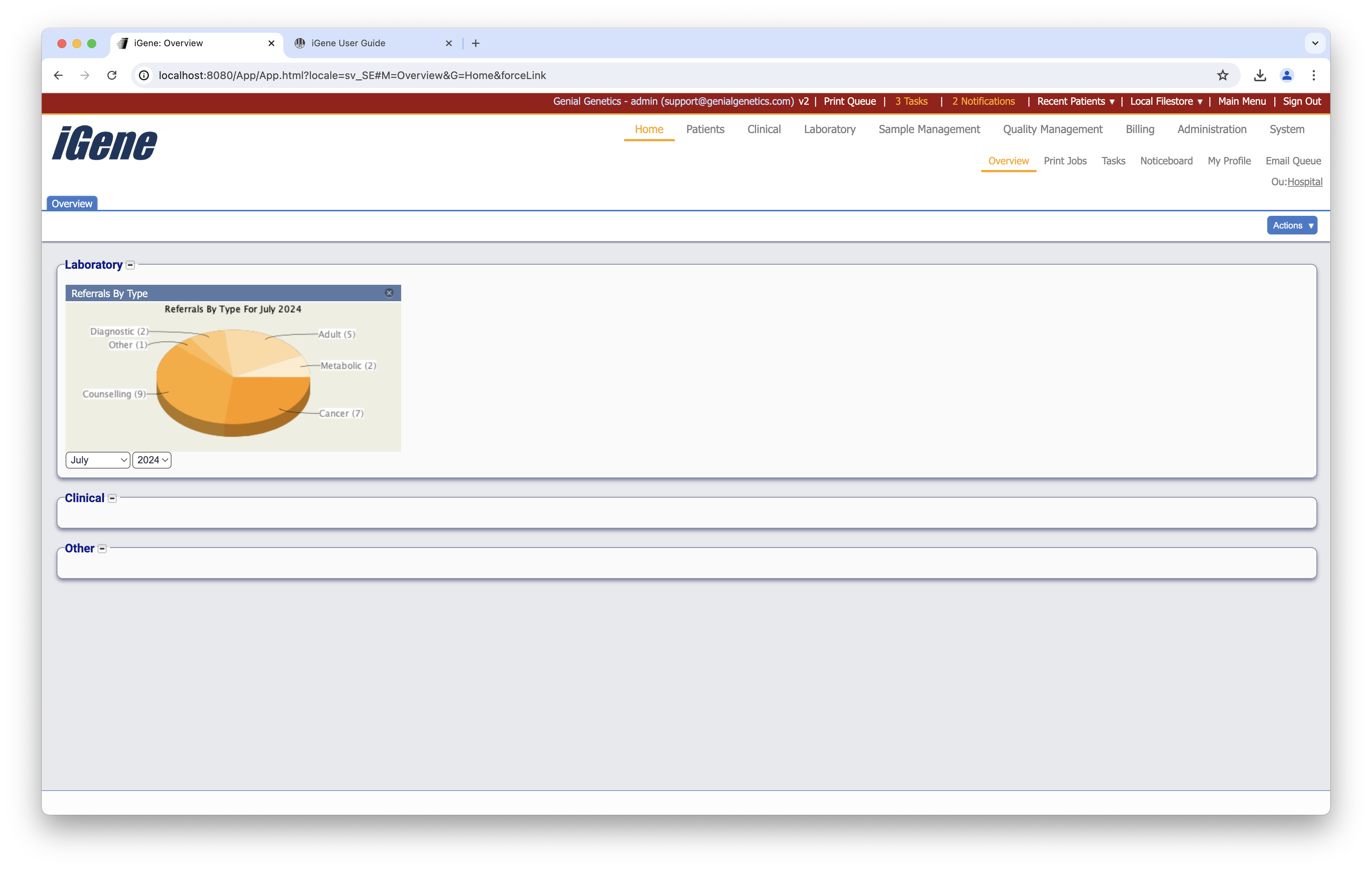
When logging into iGene, you will arrive at this landing page. Initially, there will be no information here. However, there is the option of inserting pre-made widgets which will allow for visualisation of data.
Adding a widget
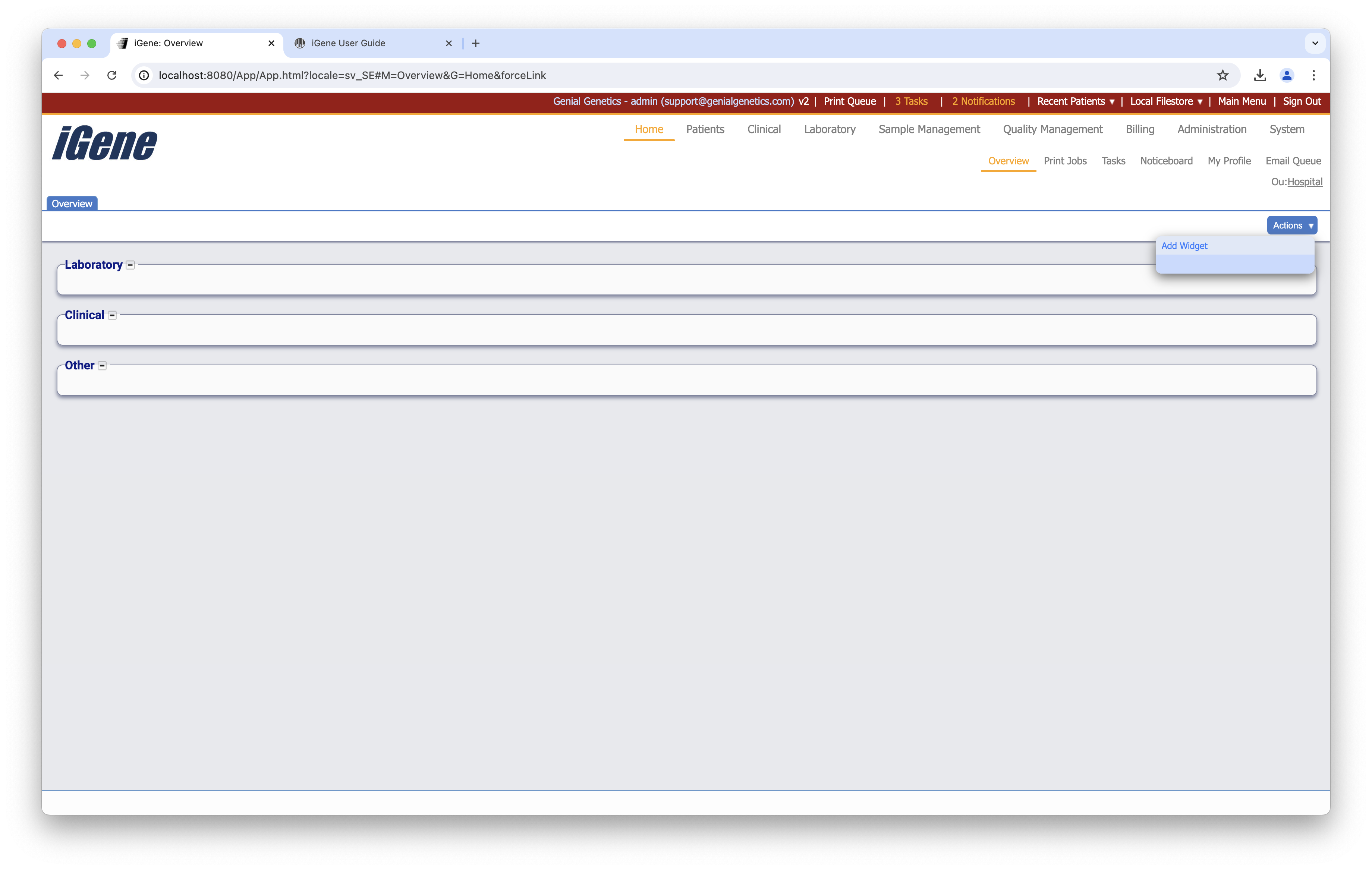
Click the Action button in the upper right corner, then click to add a widget.
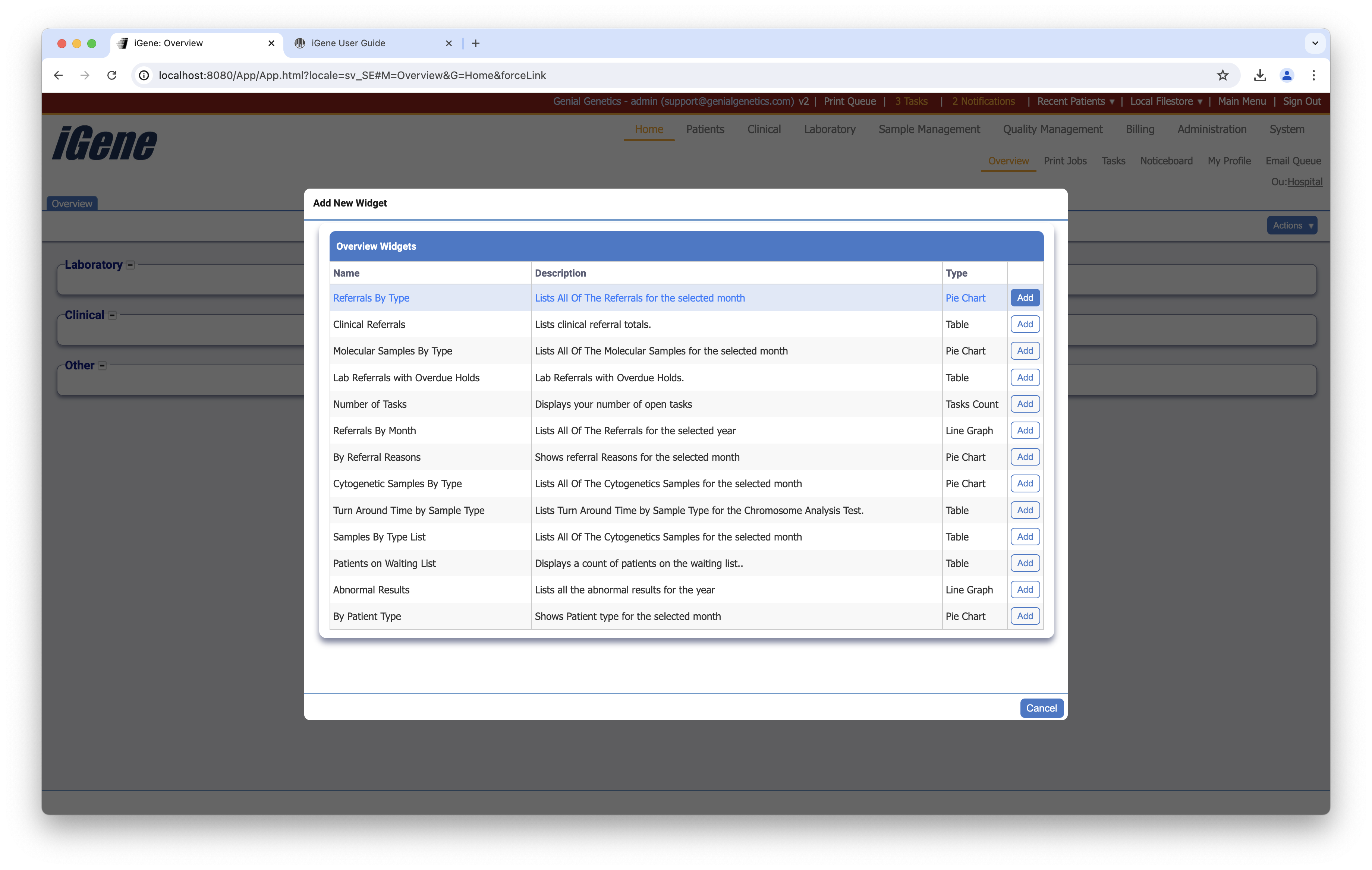
In the popup, select a widget which you would like to be presented on the overview page.
Close the popup, and the widget will now be present, showing the desired data.