Locations
This page of iGene displays a list of all the locations that have been created in the system. Locations can be bookable for appointments, or can be marked as a storage location. The location types are customisable in the Preferences section. It is possible to create, edit and delete locations from this page.
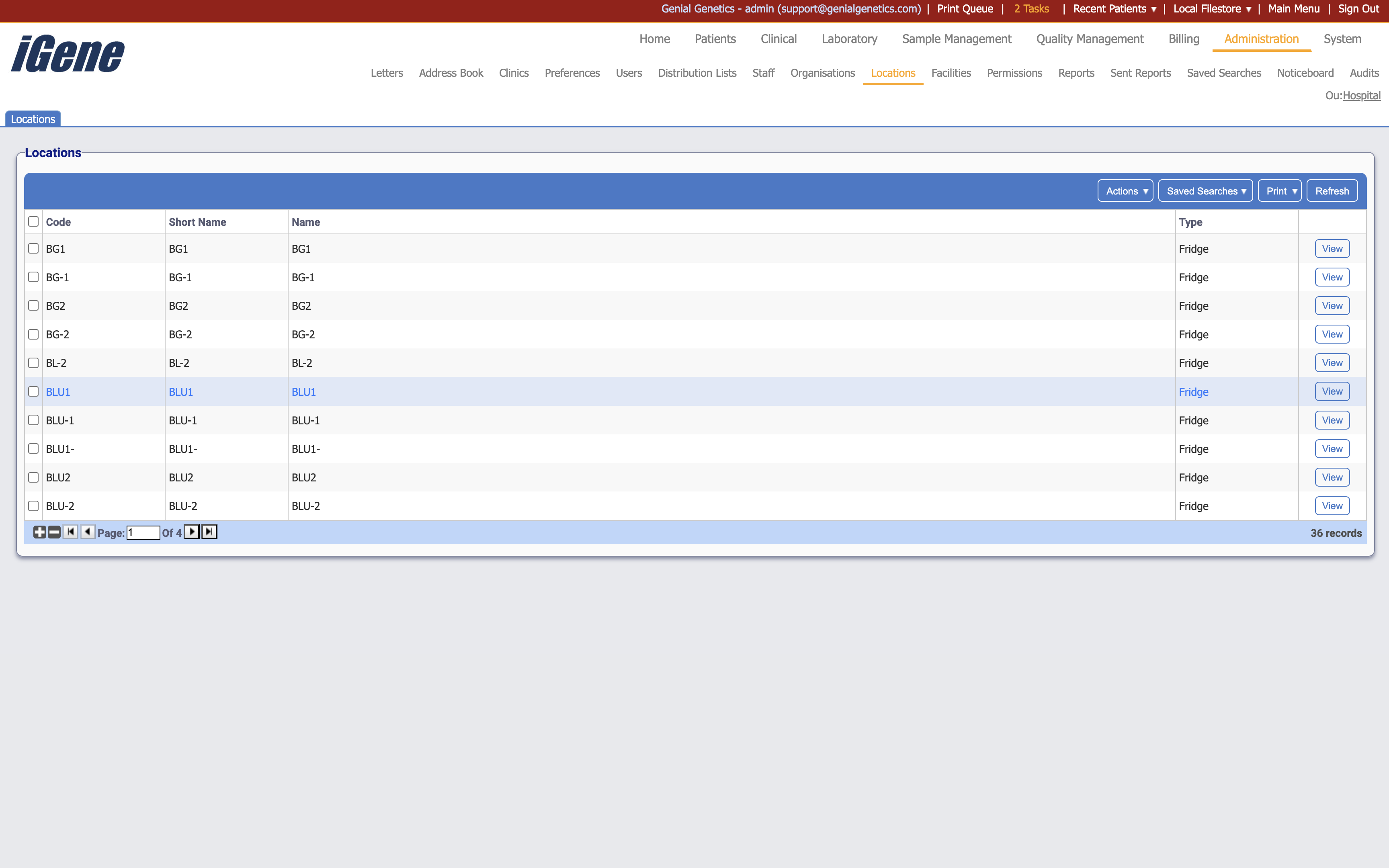
Table Columns
- Code - The unique code assigned to the location.
- Short Name - The short name of the location.
- Name - The full name of the location.
- Type - The type of the location.
- View - A link to open a page with details of the location. The details can be edited here.
Additional actions
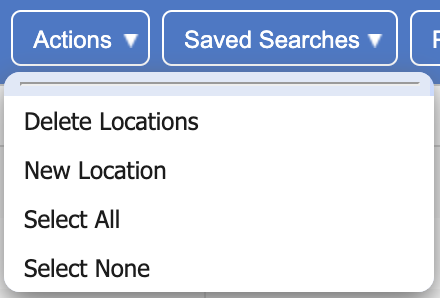
- Delete Locations - This will remove the location(s) from the list. If a location is removed, all appointments and users associated with it will also be removed.
- New Location - This will open a page to create a new location.
- Select All - This will select all locations in the list.
- Select None - This will deselect all locations in the list.