Address Book
This page of iGene shows all contacts stored in the system. This includes staff, referrers, and other contacts.
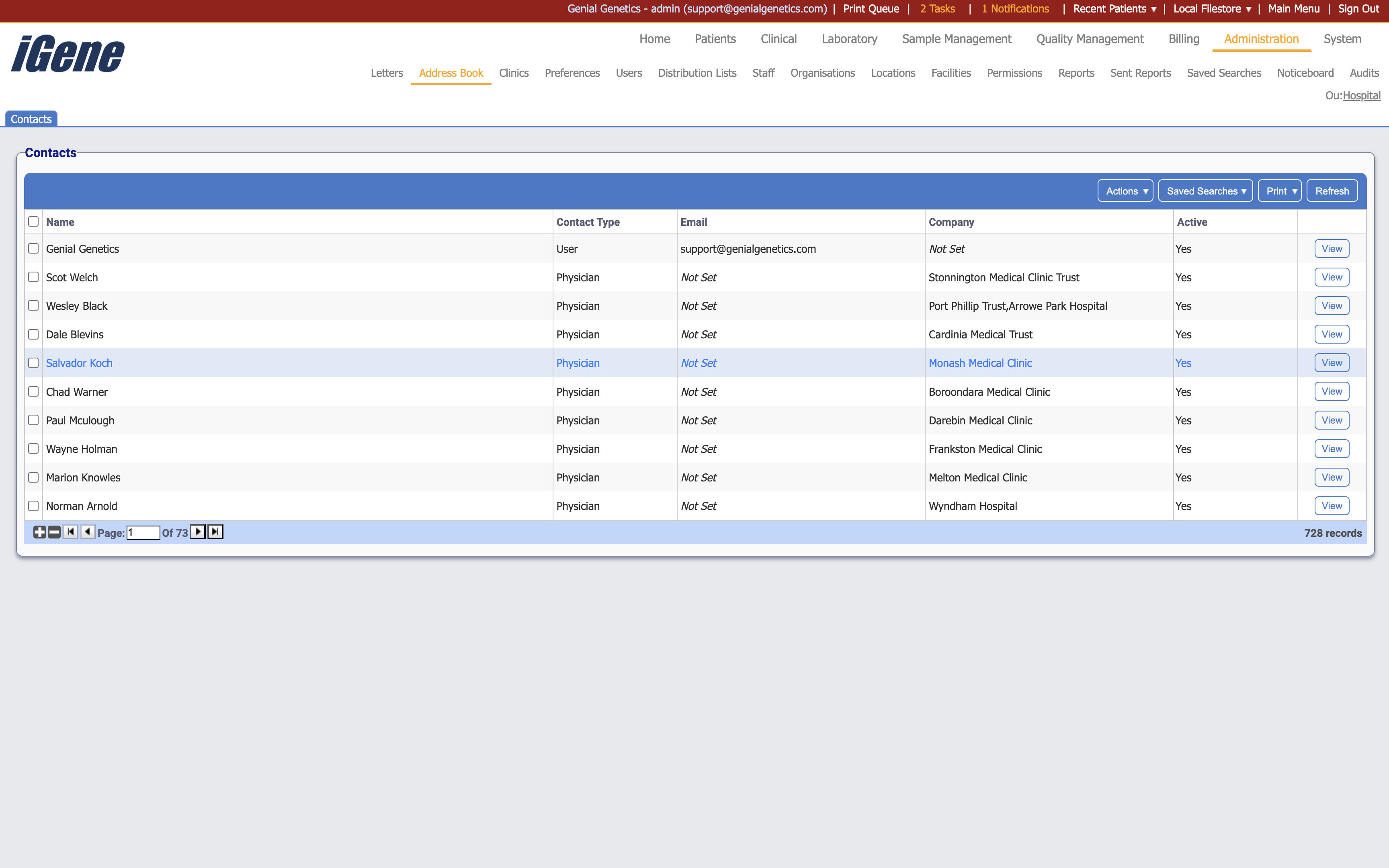
Table Columns
- Name - The name of the contact.
- Contact Type - The type of contact. This may be a staff member, a physician, a user, or a generic contact.
- Email - The email address of the contact.
- Company - The company the contact is associated with.
- Active - Whether the contact is active or not.
- View - A link to open a page with details of the contact. The details can be edited here.
Additional actions
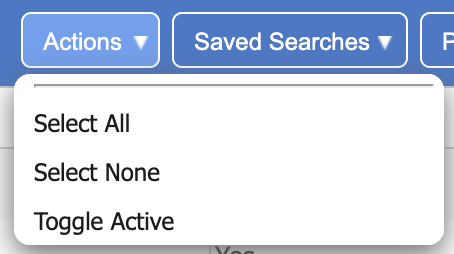
- Select All - This will select all contacts in the list.
- Select None - This will deselect all contacts in the list.
- Toggle Active - This will toggle the active status of the selected contacts.