Worksheet Layouts
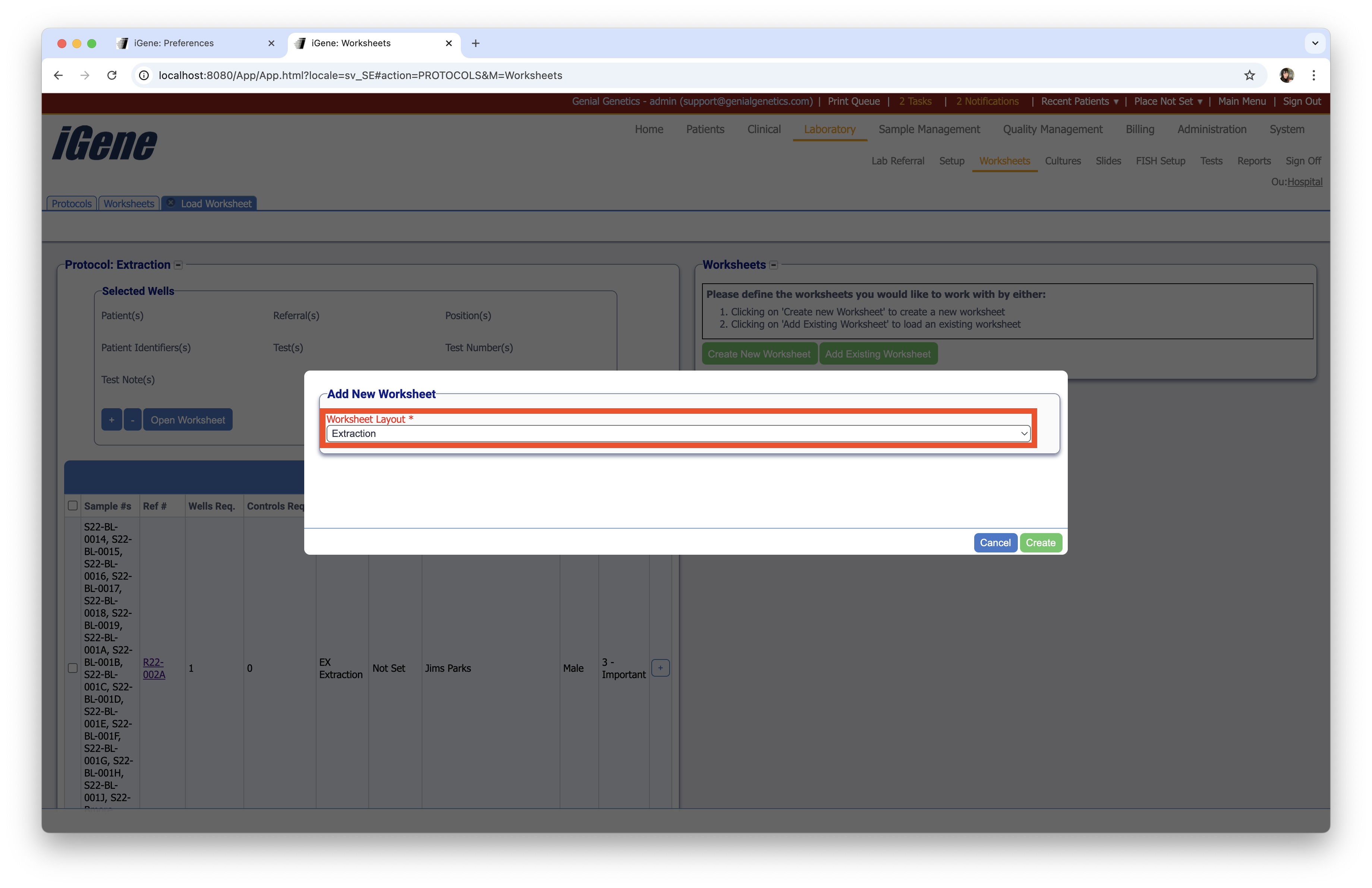
The Worksheet Layouts preference is used to record a list of worksheet layouts in the system. These are used when creating a new worksheet. The choice of values are selected using an autocomplete or dropdown list.
Location
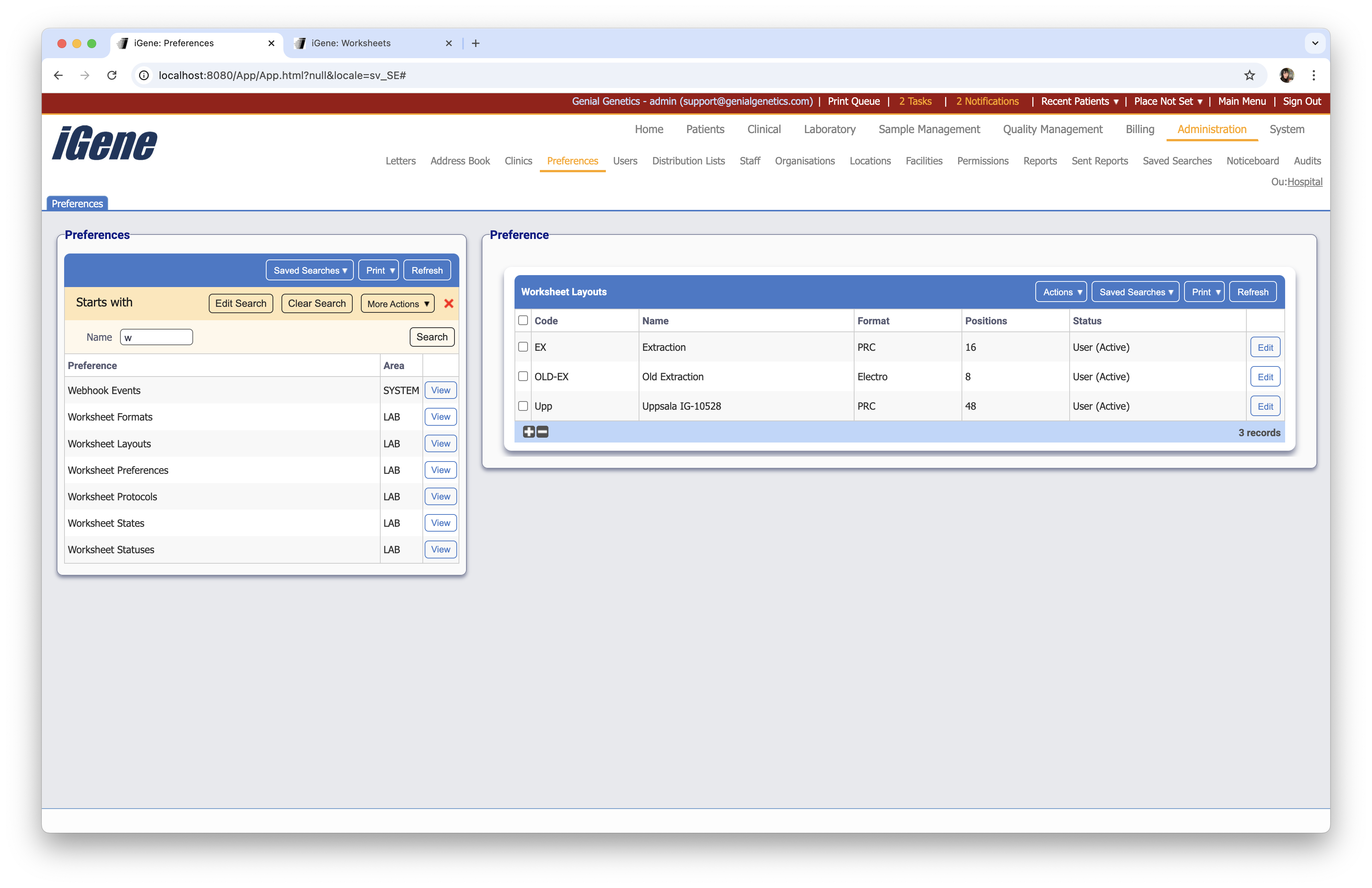
The table of Worksheet Layouts will display the code, name, and status for the worksheet layout.
Configuration
When adding or editing a worksheet layout, users are presented with the below form to complete. Always press Save in the bottom right-hand corner of the browser after adding or editing a worksheet layout.
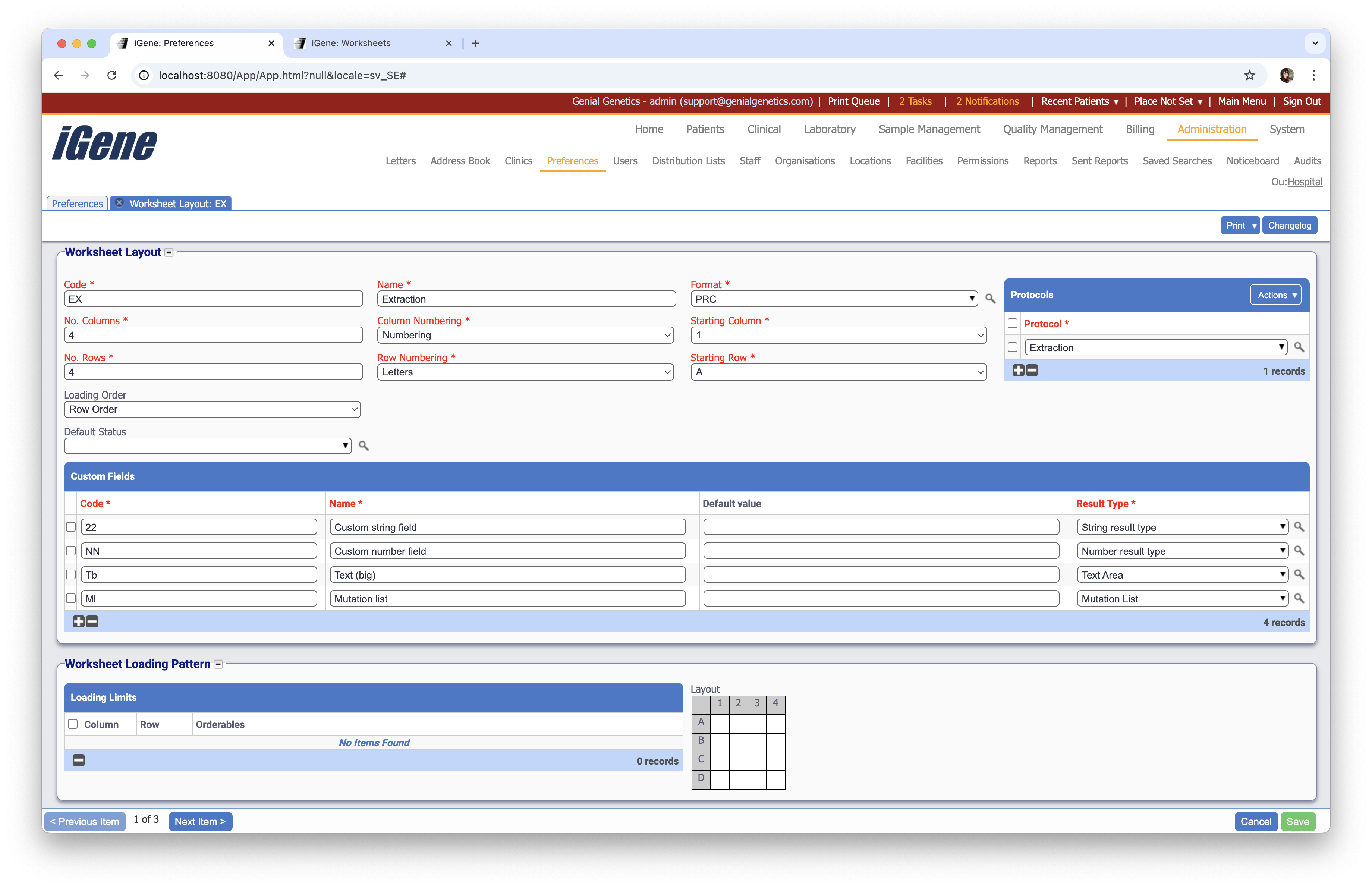
Code (Required, Unique)
A unique code for the worksheet layout. This can be the same as the name but must be unique throughout the entire system.
Name (Required)
A name for the worksheet layout. It is advisable to keep this unique.
Format (Required)
A dropdown list of worksheet formats to assign to the worksheet layout. This is set by the Worksheet Formats preference.
No. Columns (Required)
The number of columns in the worksheet layout.
Column Numbering (Required)
A dropdown list of column numbering options to assign to the worksheet layout. The options are Numbering or Letters.
Staring Column (Required)
The starting column for the worksheet layout.
No. Rows (Required)
The number of rows in the worksheet layout.
Row Numbering (Required)
A dropdown list of row numbering options to assign to the worksheet layout. The options are Numbering or Letters.
Staring Row (Required)
The starting row for the worksheet layout.
Loading Order
A dropdown list of loading orders to assign to the worksheet layout. The options are Row Order or Column Order.
Default Status
A dropdown list of default statuses to assign to the worksheet layout. This is set by the Worksheet Statuses preference.
Protocols
A table to log protocols of the worksheet layout.
Custom Fields
A table to log custom fields of the worksheet layout.
Code (Required, Unique)
A unique code for the custom field. This can be the same as the name but must be unique throughout the entire system.
Name (Required)
A name for the custom field. It is advisable to keep this unique.
Default Value
A default value for the custom field.
Result Type (Required)
A dropdown list of result types to assign to the custom field. This is set by the Result Types preference.
Worksheet Loading Pattern
This area allows the user to pre-define how a worksheet layout should be loaded. By clicking on the layout to the right, the user can select the pattern that the worksheet layout should be loaded in. This is useful for when the worksheet layout is used in a specific way, and the user wants to ensure that the layout is always loaded in the same way.
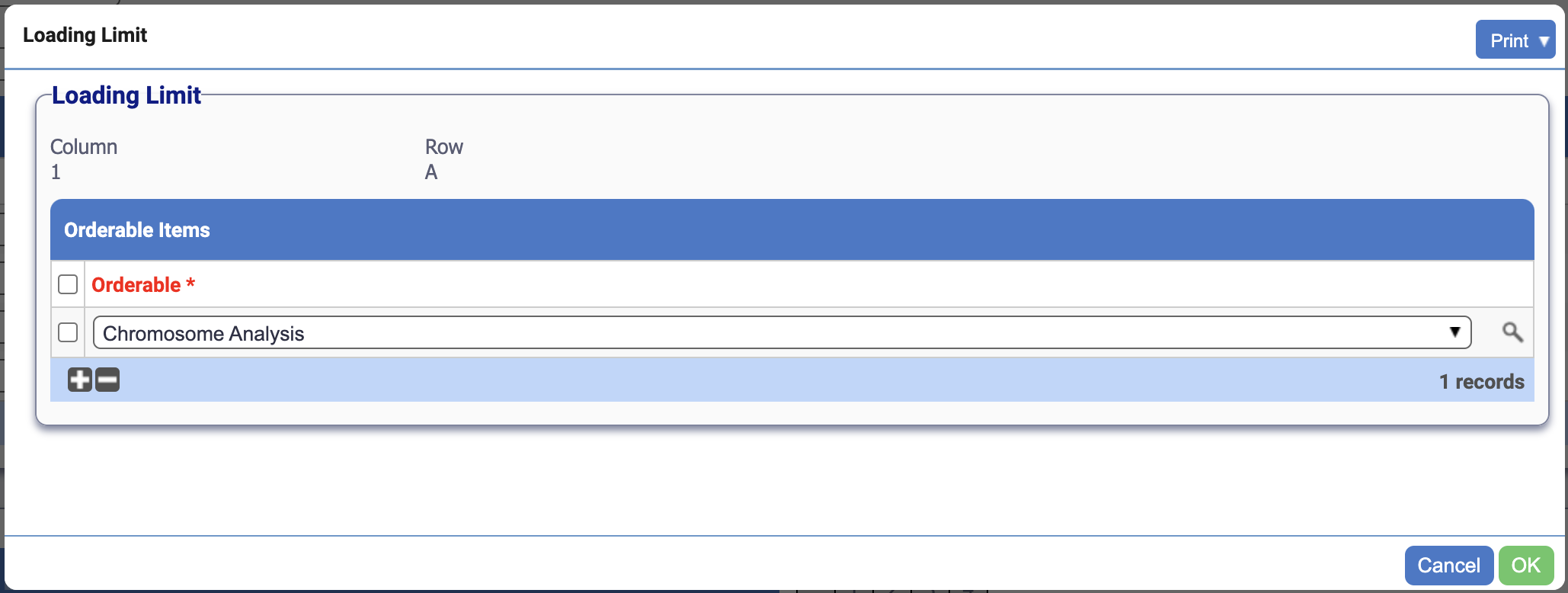
Clicking will open the following popup where a test can be added to a specific cell:

Loading Worksheets
A table to log loading worksheets of the worksheet layout.