Report Delivery Types
The Delivery Types dropdown is used in the Referring Physicians table in referrals and simply lists via which method a physician should receive a copy of the report (as long as Receive Report is ticked).
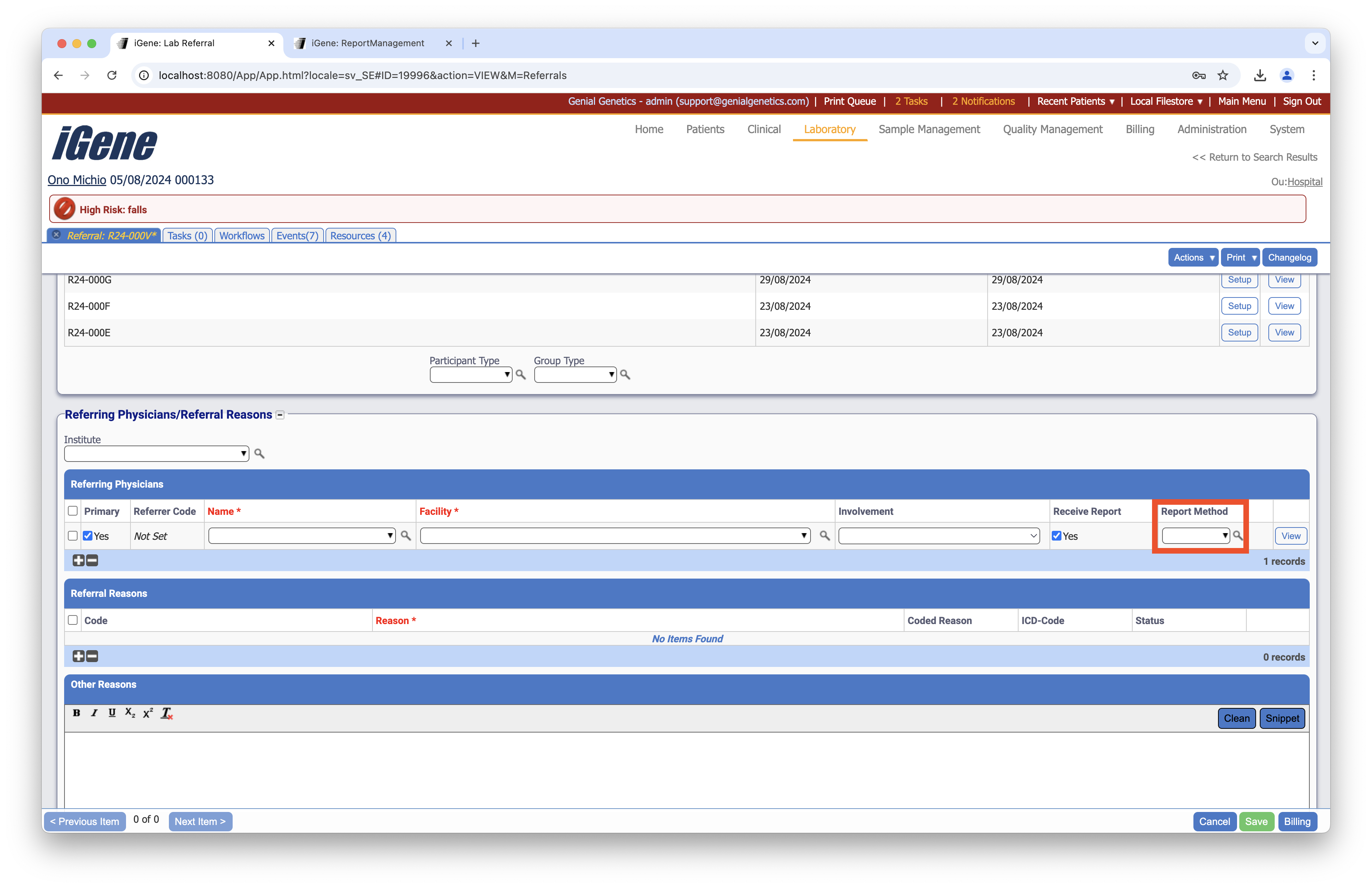
Location
The Report Delivery Types preference is located under the Administration > Preferences area of iGene.
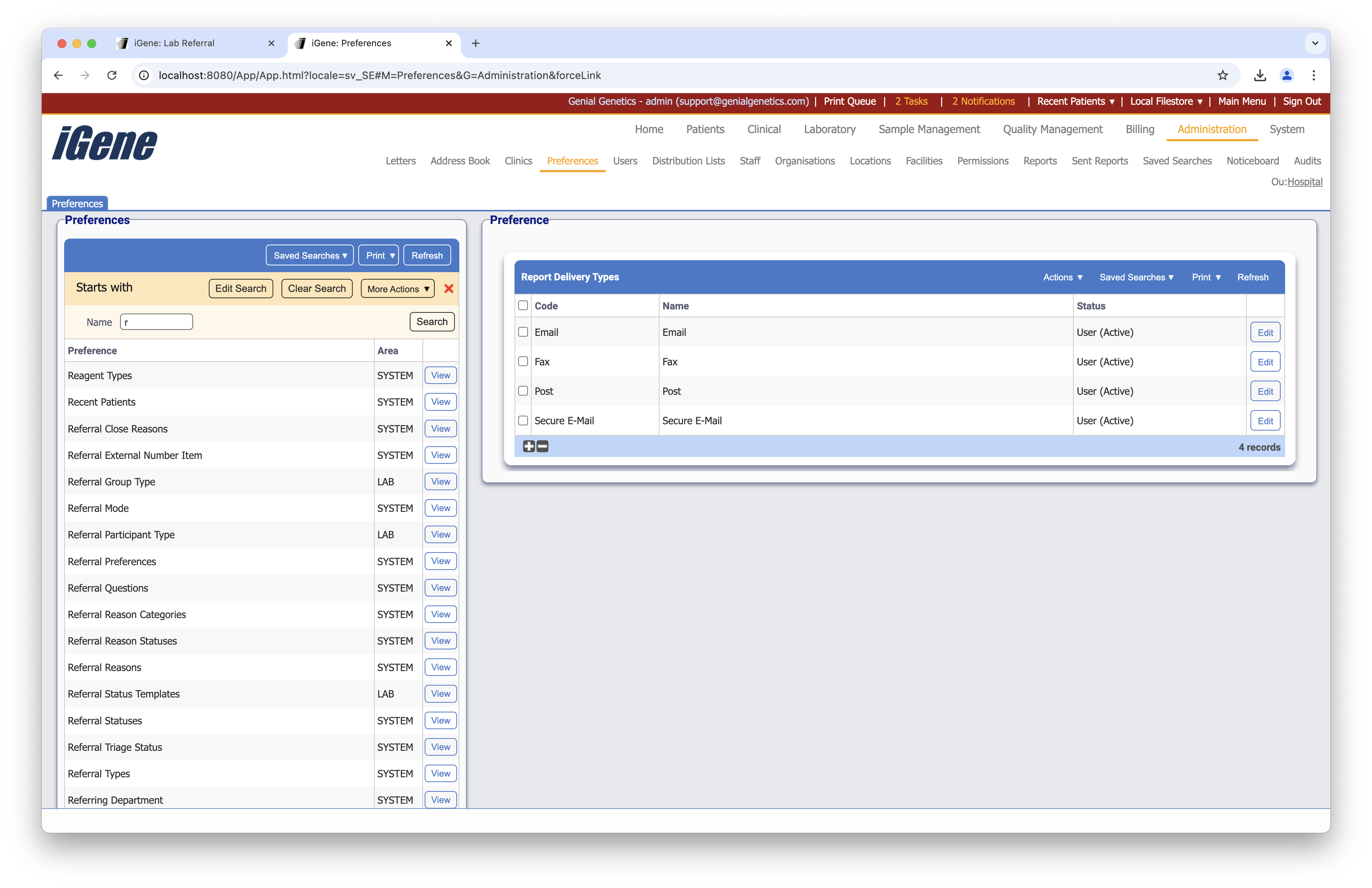
Configuration
When adding or editing a Report Delivery Type, users are presented with the following form to complete. Always press Save in the bottom right hand corner of the browser after adding or editing a Report Delivery Type.
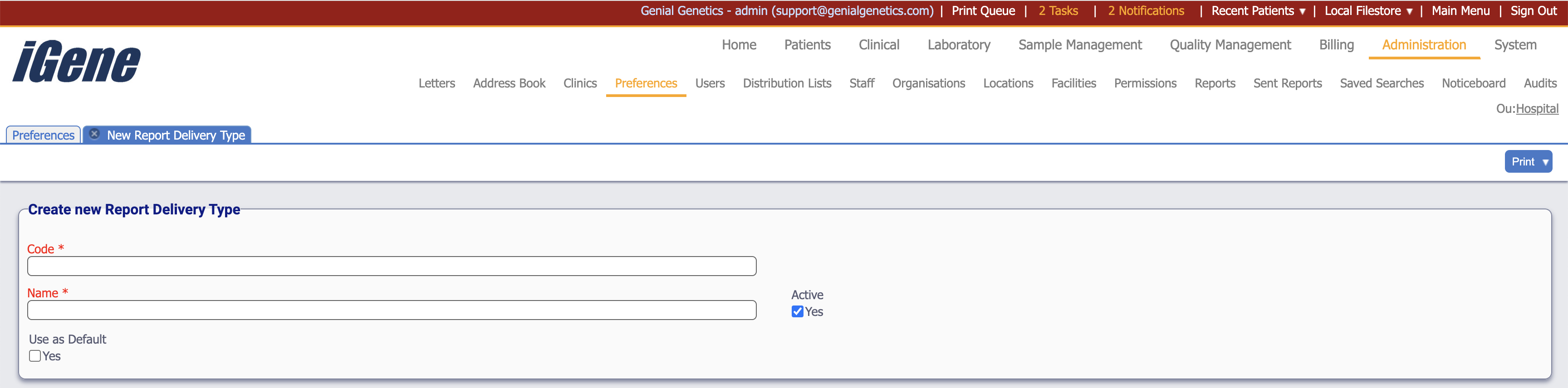
Code (Required, Unique)
A unique code for the Report Delivery Type. This can be the same as the name but must be unique throughout the entire system.
Name (Required)
A name for the preference. It is advisable to keep this unique.
Active
A checkbox to activate / deactivate an entry. If the preference is not active, it will not be selectable in any drop down lists.
Use as Default
A checkbox to indicate if the preference should be the default delivery type when adding a new lab referral.