Patient Features
The Patient Features preference is used to record a list of patient features in the system. These are found within the Diagnosis preference and create a tree that the user can select from. The choice of values are selected using an autocomplete or dropdown list.
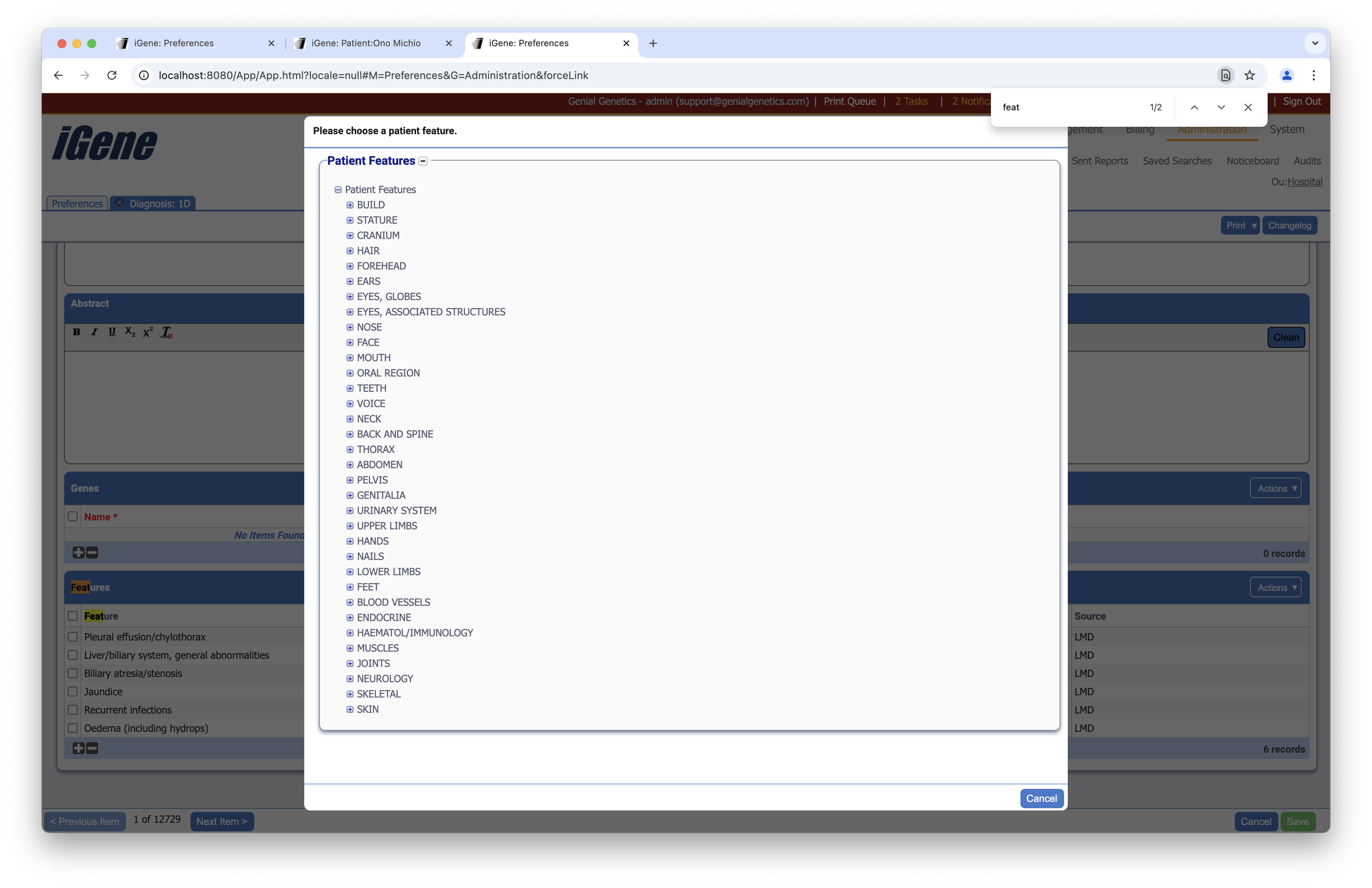
Location
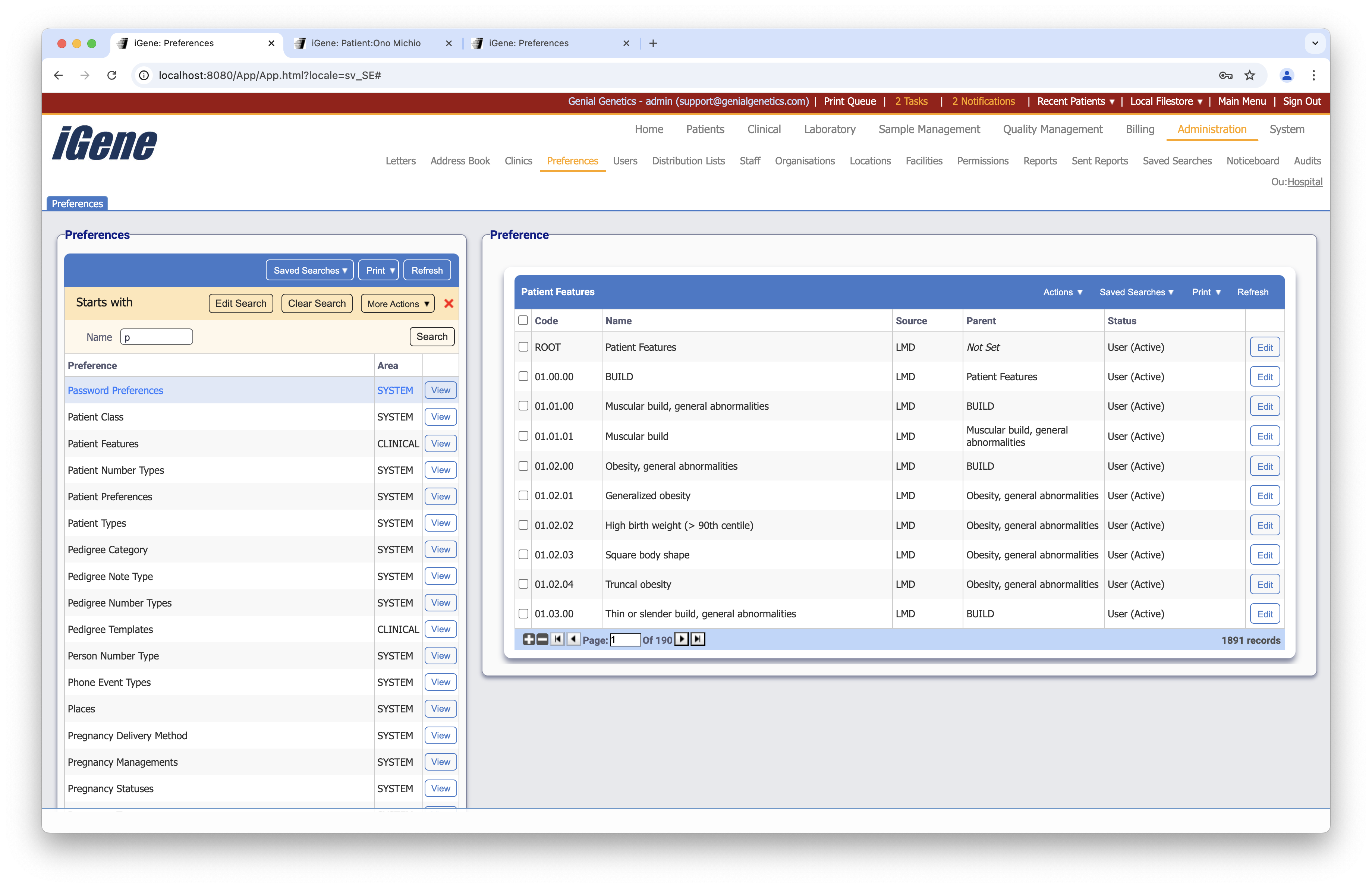
The table of Patient Features will display the code, name, and status for the patient feature.
Configuration
When adding or editing a patient feature, users are presented with the below form to complete. Always press Save in the bottom right-hand corner of the browser after adding or editing a patient feature.
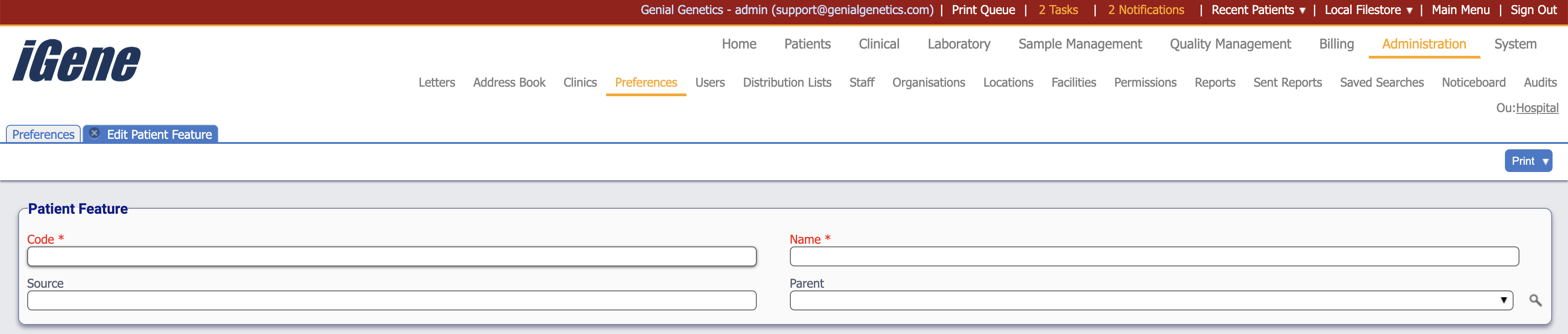
Code (Required, Unique)
A unique code for the patient feature. This is what determines the hierarchy of the tree.
Name (Required)
A name for the patient feature. It is advisable to keep this unique.
Source
A freetext field to describe the source of the patient feature.
Parent
A dropdown list to select the parent of the patient feature. If the patient feature is a top-level feature, leave this blank.