Hold Reason
The Hold Reasons preference is used on referrals or referral tests to indicate hold reasons. Hold reasons have statuses which allow one hold reason to transition through a series of steps.
An example of a hold reason might be ‘Waiting for Information’ if a referral has been received without enough detail.
Hold reasons are added to the referral on the referral screen.
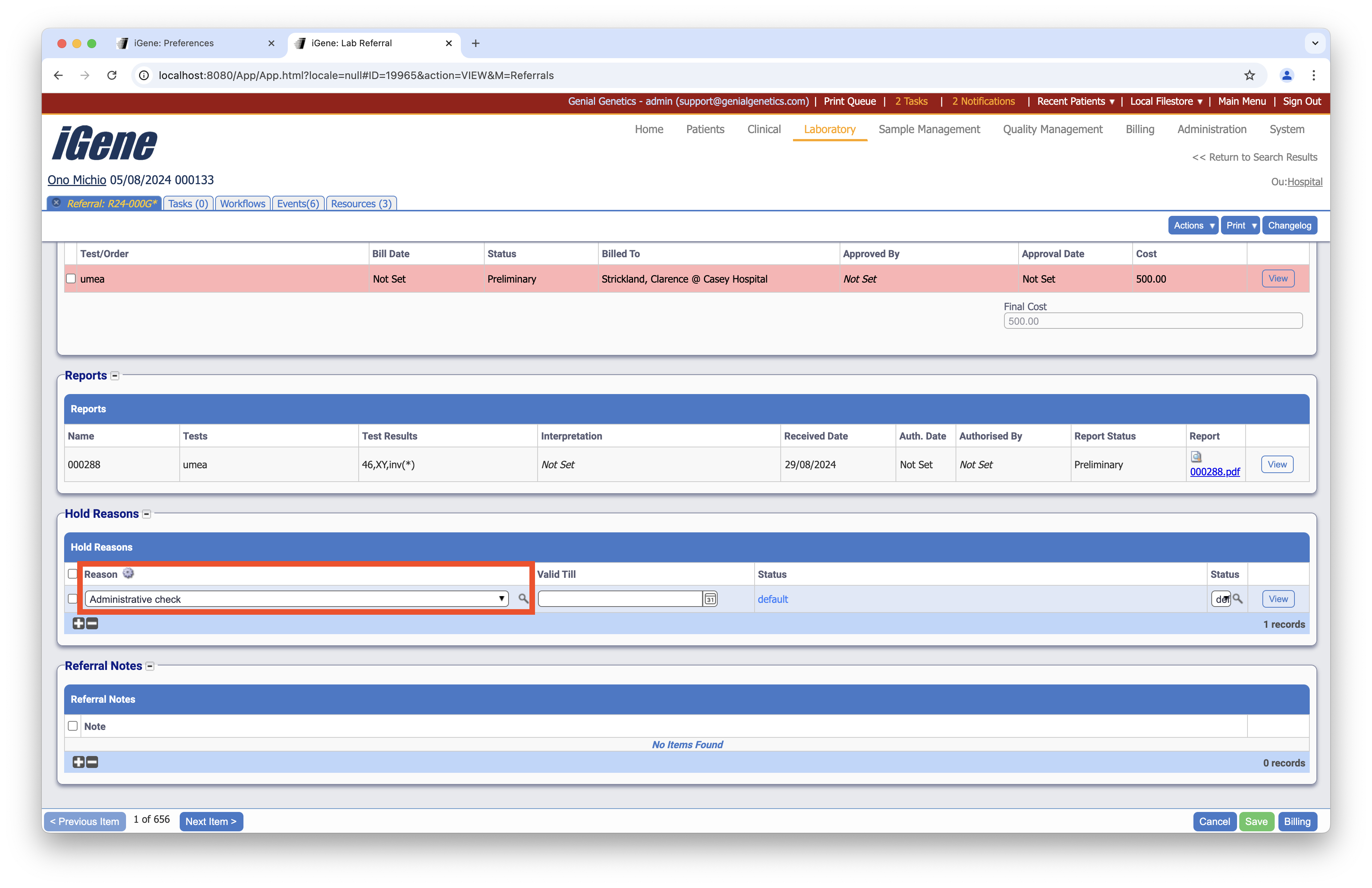
Location
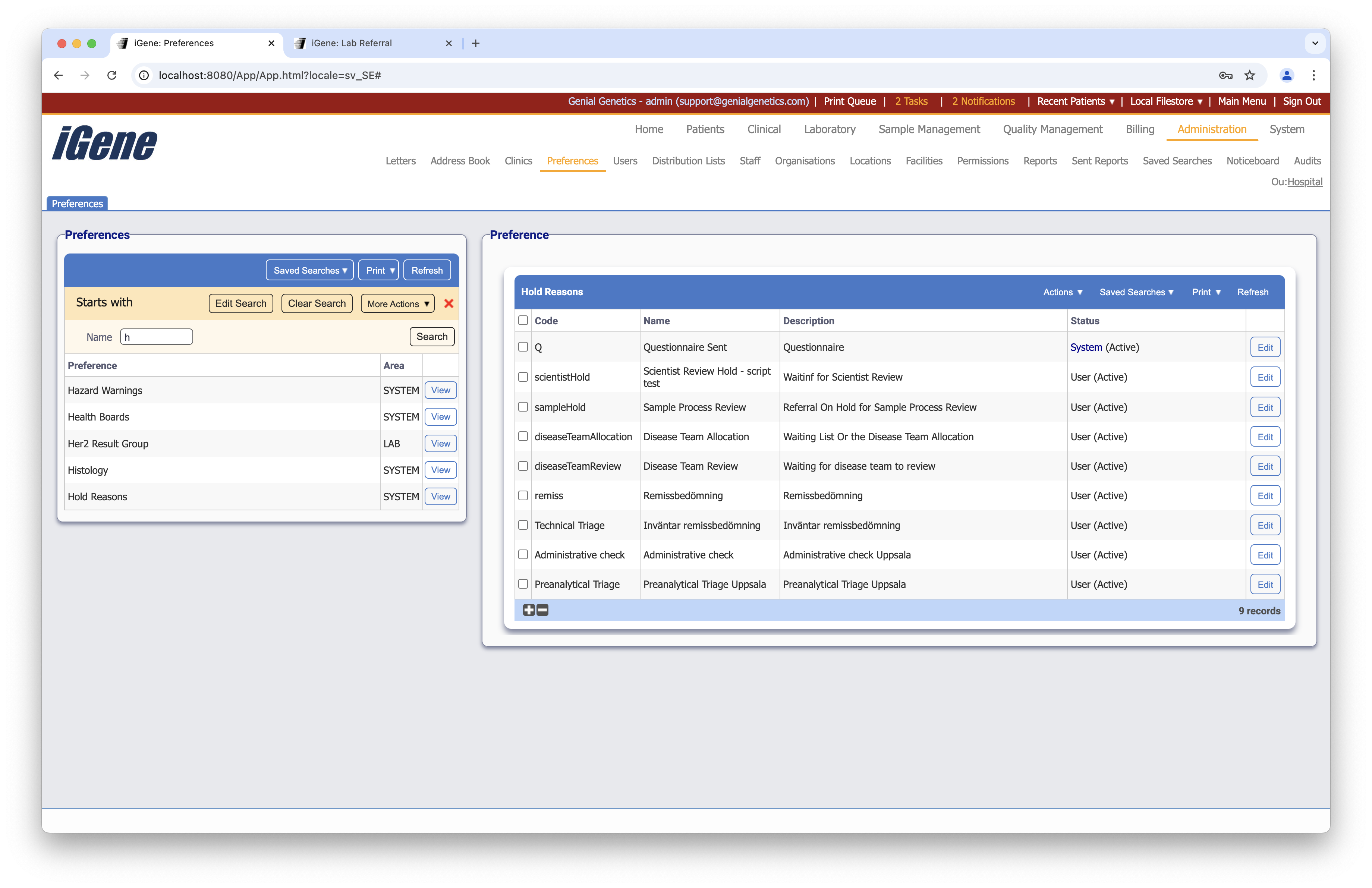
The table of Hold Reasons will display the code, name, description, and status for the hold reason.
Configuration
When adding or editing a hold reason, users are presented with the below form to complete. Always press Save in the bottom right-hand corner of the browser after adding or editing a hold reason.
Code (Required, Unique)
A unique code for the hold reason. This can be the same as the name but must be unique throughout the entire system.
Name (Required)
A name for the preference. It is advisable to keep this unique.
Description (Required)
A textual description of the hold reason.
Allowed for Test
Checking this box allows the hold reason to be used for placing tests on hold.
Allowed for Referral
Checking this box allows the hold reason to be used for placing a referral on hold.
Active
A checkbox to activate/deactivate a hold reason. If the hold reason is not active, it will not be able to be selected for future items but it will show for existing items.
Allowed Statuses table
The Allowed Statuses table is a list of statuses that a hold reason can have.
The statuses are made up of the following items:
Name (Required)
A name for the status.
Description
A text description of that status.
Hold Active
If checked, the item (referral or test) will be held and no progress will be taken.
Prevent Authorisation
If checked, the item will not be able to be authorised until the hold is removed.
Default Status
The default value when the item is placed on hold, this is the initial status which is set.