Clinical Preferences
The Clinical Preferences section is used to set the preferred background colour of preliminary patients. These can be created in a pedigree chart, as the system will record their details without having them as an actual patient within the system.
After changing this area, you may need to clear the cache of your browser to see the changes. Please refer to the documentation of your browser for instructions on how to do this.
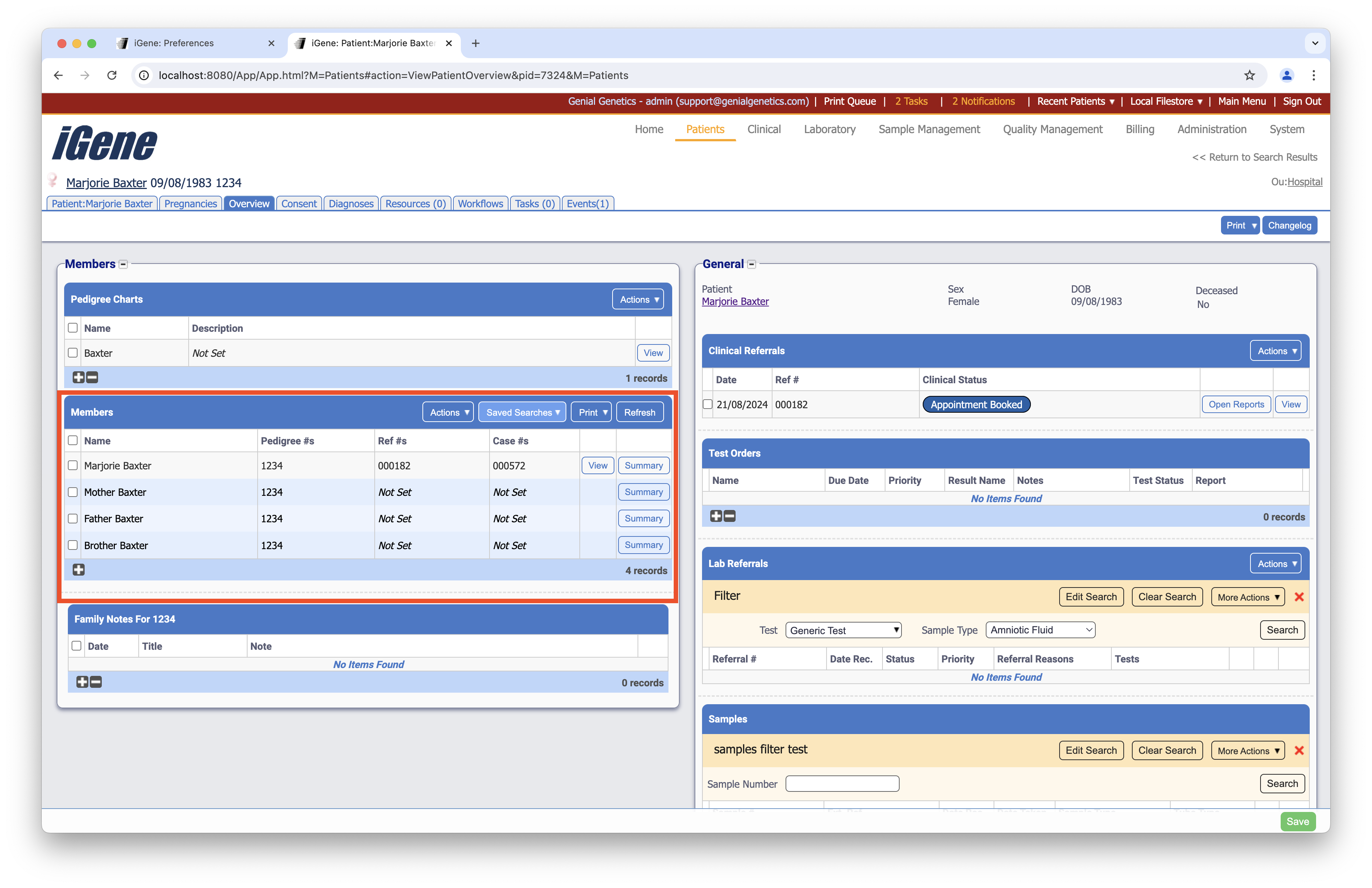
Location
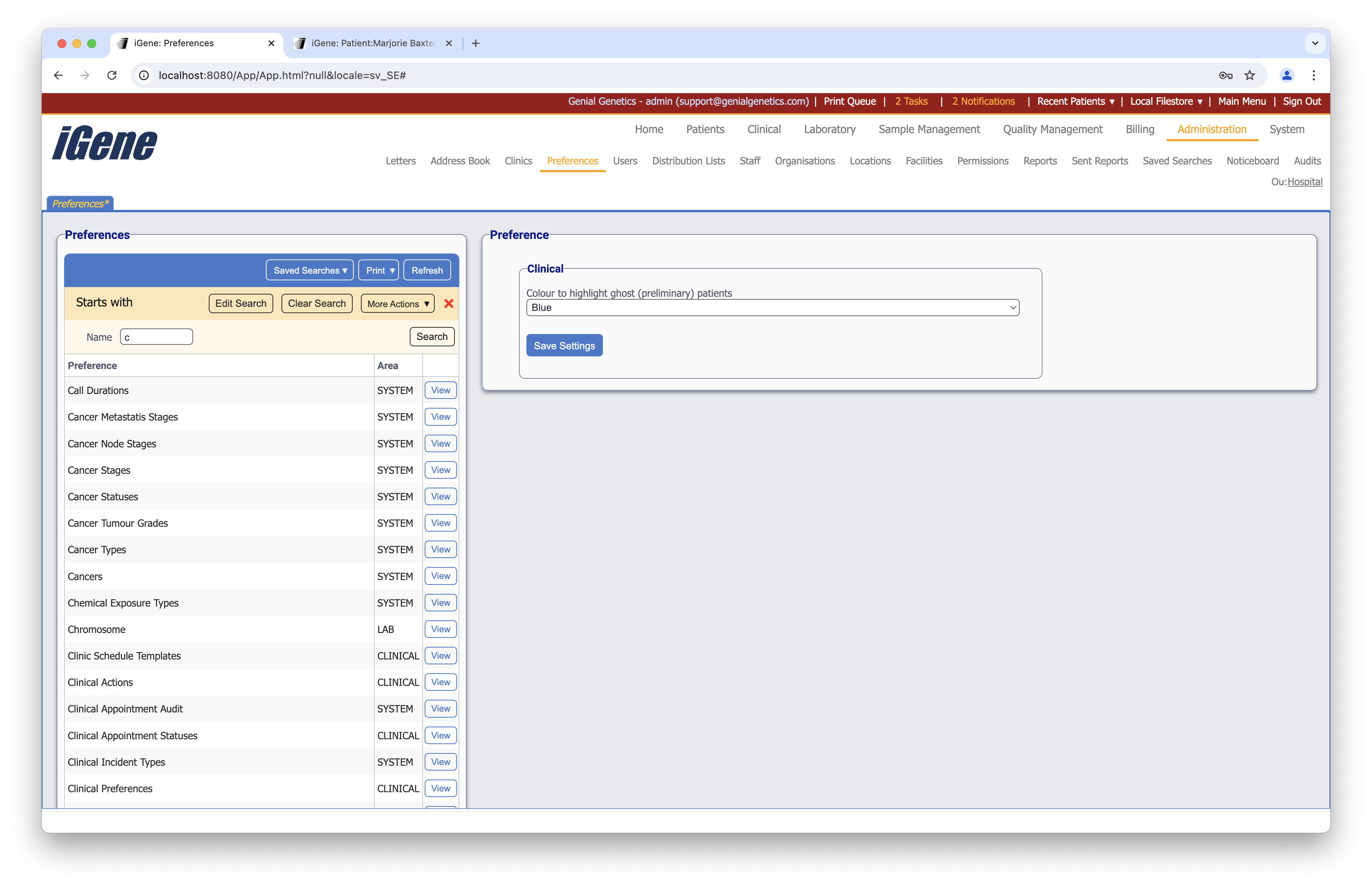
Always press the Save Settings button after editing the clinical preference.
Colour to highlight ghost (preliminary) patients
A dropdown list to select the colour to highlight ghost (preliminary) patients in the pedigree chart.