Alert Types
Alert Type are used mainly in the patient area to define the type of alert messages that can be created on a patient. An alert type defines the colour and icon for the alert and is chosen by the user when adding a new alert.
Alert types are defined globally and are not limited per organisation unit.
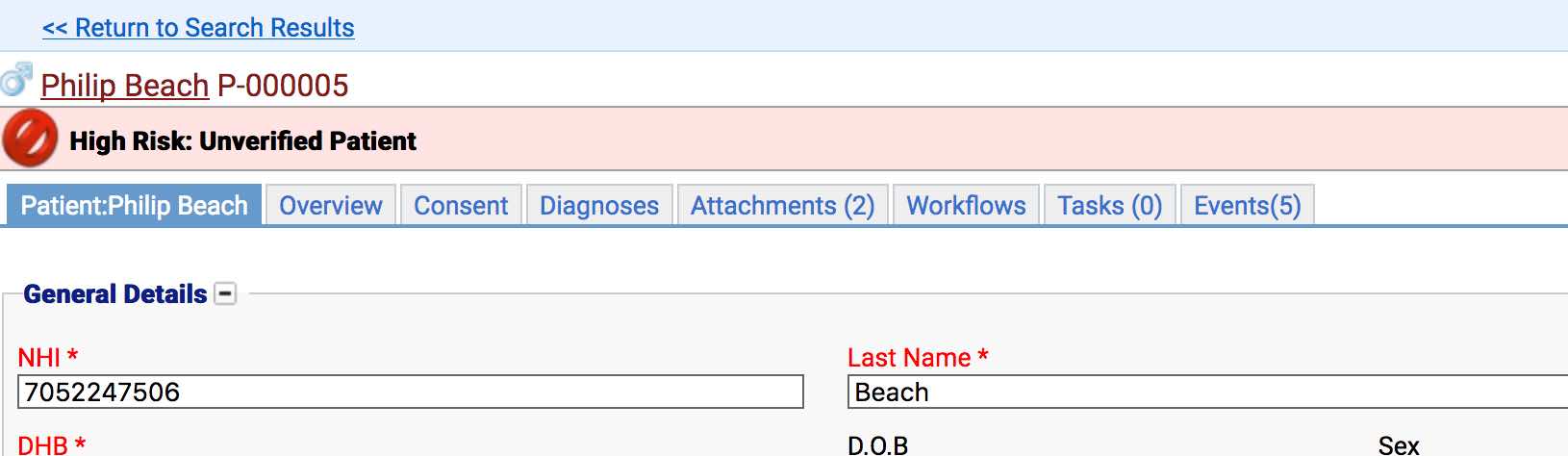
In the above example the text will come from the alert itself, while the colour and icon are set in the alert types.
Location
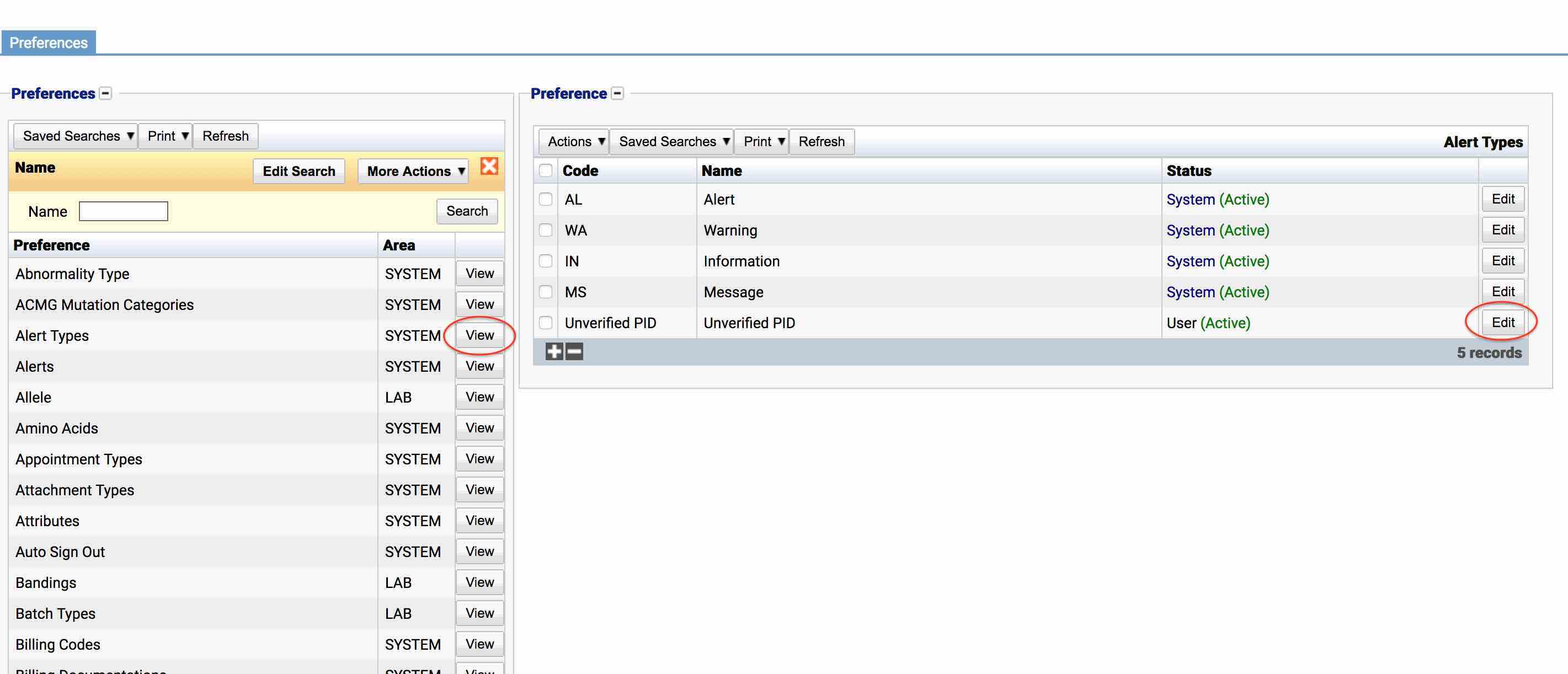
The table of Alert Types will display the code, name and status for the alert type.
Configuration
When adding or editing an alert type, users are presented with the below form to complete.
Always press Save in the bottom right hand corner of the browser after adding or editing an Alert Type.
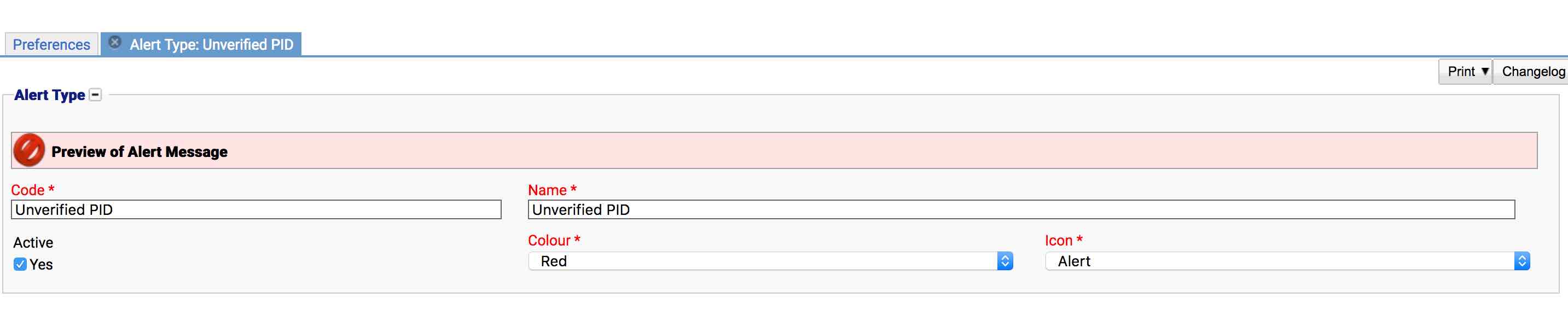
Code (Required, Unique)
A unique code for the alert type. This can be the same as the name but must be unique throughout the entire system.
Name (Required)
A name for the preference. It is advisable to keep this unique.
Active
A checkbox to activate/deactivate an entry. If the preference is not active, it will not be able to be selected for future result but it will still show for existing results.
Colour
The colour to display alerts of this type with. Options are: red, green, blue, grey and orange.
Icon
The icon to display alerts of this type with. Options are:
Alert
Info
Warning
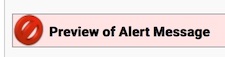
Note: A preview will be provided at the top of the screen when changing/setting the colour or icon of an alert type.
Usage
The Alert Type preference is used with the following items: